MAXHUB Pivot Premium Device Management Licence
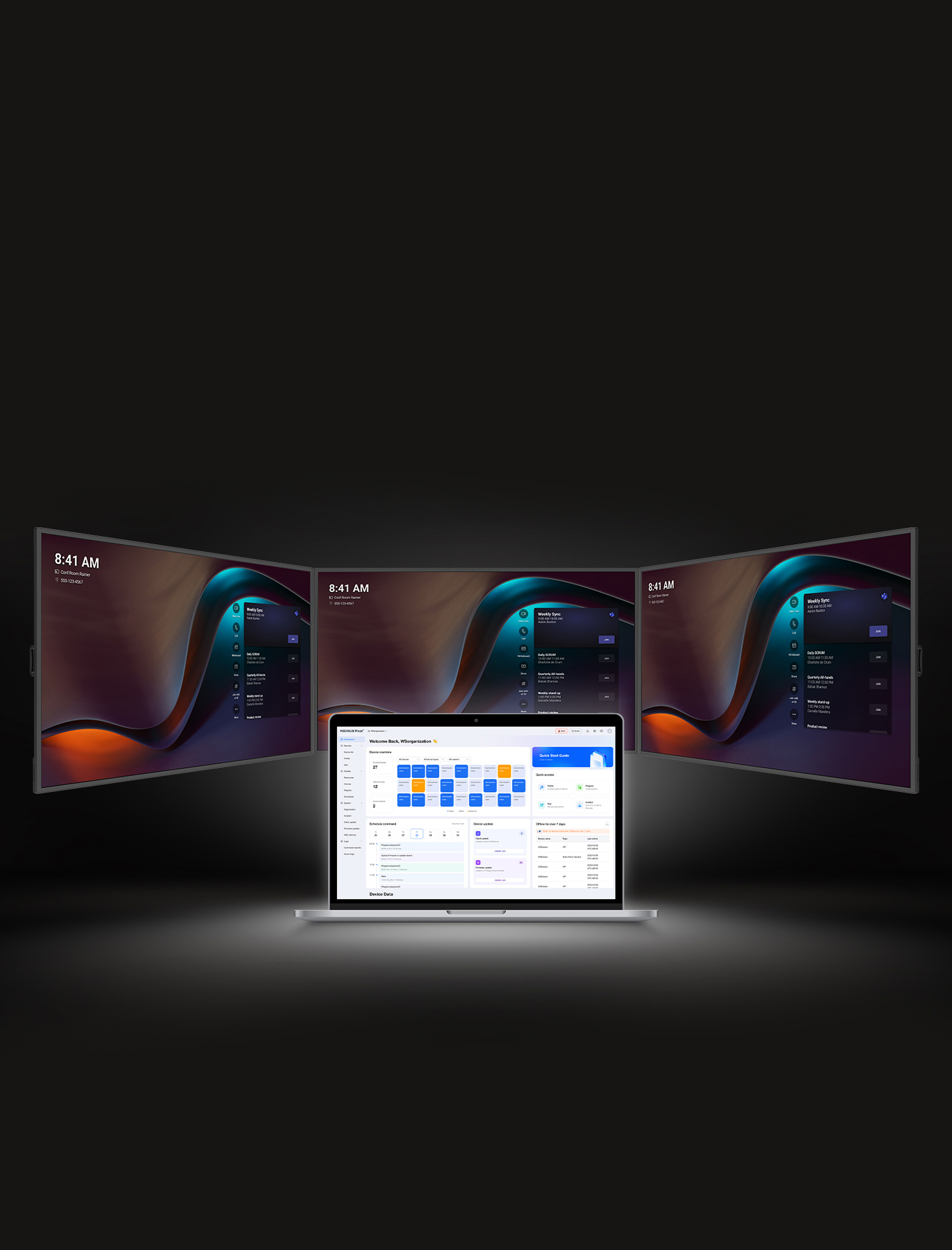
Centrally manage, monitor and support compatible MAXHUB devices from one cloud-based platform. MAXHUB Pivot provides remote device control, screen management, scheduled firmware updates, usage analytics, application management, task scheduling and remote troubleshooting. Pivot Premium is licensed per device, per annum, with volume tiers for 1–100, 101–500 and 501+ devices. Visual Works can assist with licence selection, deployment planning, device enrolment, configuration and support.
Remote Monitoring • Device Control • Updates • Analytics
Annual Per-Device Licensing • 1–100 • 101–500 • 501+ Devices
Configuration
Manage Your MAXHUB Device Estate from One Platform
MAXHUB Pivot provides organisations with a cloud-based platform for centrally managing compatible MAXHUB devices. IT and AV teams can monitor equipment, control screens remotely, schedule updates, manage applications and respond to device issues without visiting every room individually.
MAXHUB Pivot Premium is licensed per device, per annum, with volume-based licence tiers for 1–100 devices, 101–500 devices and 501+ devices. Visual Works will confirm the applicable tier based on the number of compatible devices requiring licences.
Convenient Centralised Device Management
Access compatible devices through one management interface, whether they are installed in meeting rooms, classrooms, reception areas or across multiple sites.
- View and manage compatible devices from the cloud
- Wake supported screens remotely
- Lock screens when required
- Manage equipment across rooms and locations
- Reduce unnecessary on-site support visits
Remote Screen Control and Troubleshooting
Manage supported screens remotely through a combined interface. IT and AV teams can respond to issues, perform maintenance actions, and troubleshoot compatible devices from a central location.
- Remote screen control
- Central hardware management
- Remote maintenance assistance
- Device fault visibility
- Faster response to room and display issues
Scheduled Firmware Updates
Receive and deploy firmware updates according to a schedule that suits the organisation. MAXHUB states that local transmission and LAN acceleration can help reduce traffic consumption and improve update performance.
- Schedule firmware deployments
- Push updates to supported devices
- Plan updates outside normal operating hours
- Reduce disruption to users
- Support more consistent device versions
Device Insights and Analytics
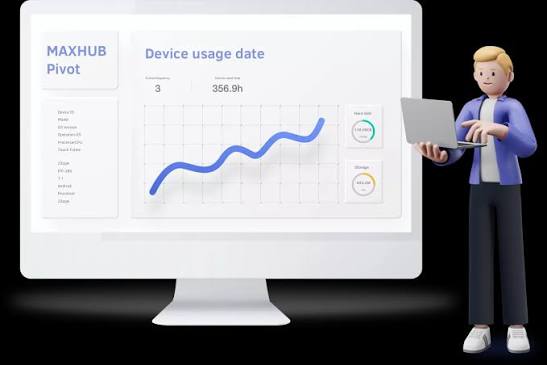
View operational information and device statistics through a straightforward dashboard. Usage information can help organisations understand how equipment is being used and identify devices that may require attention.
- View device operational information
- Review usage statistics
- Inspect supported panels for errors
- Identify equipment requiring maintenance
- Notify the responsible IT or AV team
Unified Application Management
Manage supported applications across multiple compatible devices without configuring every display separately.
- Enable or disable applications
- Install supported applications remotely
- Update applications across multiple devices
- Manage device applications from one interface
- Create a more consistent user experience
Personalised Task Scheduling
Create schedules for recurring device tasks and planned maintenance. Tasks, third-party upgrades and patch times can be arranged to minimise disruption to meetings, teaching and daily operations.
- Create personalised device schedules
- Schedule recurring tasks
- Plan upgrade and patch windows
- Coordinate device actions across multiple locations
- Reduce interruptions during operating hours
Monitoring, Maintenance and Security Support
MAXHUB describes Pivot as having enhanced security and maintenance tools, including fault monitoring, service-availability monitoring and recovery alerts. MAXHUB also states that Pivot is committed to maintaining GDPR compliance.
- Fault monitoring
- Service-availability monitoring
- Recovery alerts
- Quicker fault-location information
- Centralised maintenance visibility
Compatible Device Environments
MAXHUB presents Pivot as a management platform for several supported device environments. Exact compatibility should be confirmed before licences are ordered.
- MAXHUB interactive displays
- Compatible Android devices
- Compatible Windows devices
- MAXHUB videobars
- MAXHUB LED video walls
- Other supported MAXHUB terminal equipment
Annual Pivot Premium Licence Tiers
Pivot Premium licences are priced per device, per annum. The correct tier is determined by the number of devices being licensed.
- 1–100 devices: Annual per-device licence tier
- 101–500 devices: Annual per-device licence tier
- 500+ devices: Annual per-device licence tier
The website does not display licence pricing publicly. Visual Works will confirm the number of devices, compatibility and applicable annual volume tier before providing a quotation.
Ideal For
- Businesses operating multiple meeting rooms
- Schools, universities and training institutions
- Government and public-sector facilities
- Multi-site organisations
- IT and AV support teams
- Commercial-display and digital-signage estates
- Organisations standardising MAXHUB device management
Visual Works Licence Planning and Support
Visual Works can assist with device-estate assessment, compatibility checks, licence-volume planning, deployment preparation, device enrolment, administrator guidance and ongoing support.
Not sure how many licences your organisation requires? Request a quotation and tell us which MAXHUB devices are installed, how many locations you manage and how many devices need to be enrolled. Our team will help determine the correct annual Pivot Premium licence tier.
Additional information
| Annual licence volume | 1–100 devices, 101–500 devices, 501+ devices |
|---|---|
| Licence type | Pivot Premium annual device licence |
| Licence basis | Price per device, per annum |
| Management platform | Cloud-based centralised device management |
| Managed environments | Compatible MAXHUB Android and Windows devices, interactive displays, videobars and LED displays |